

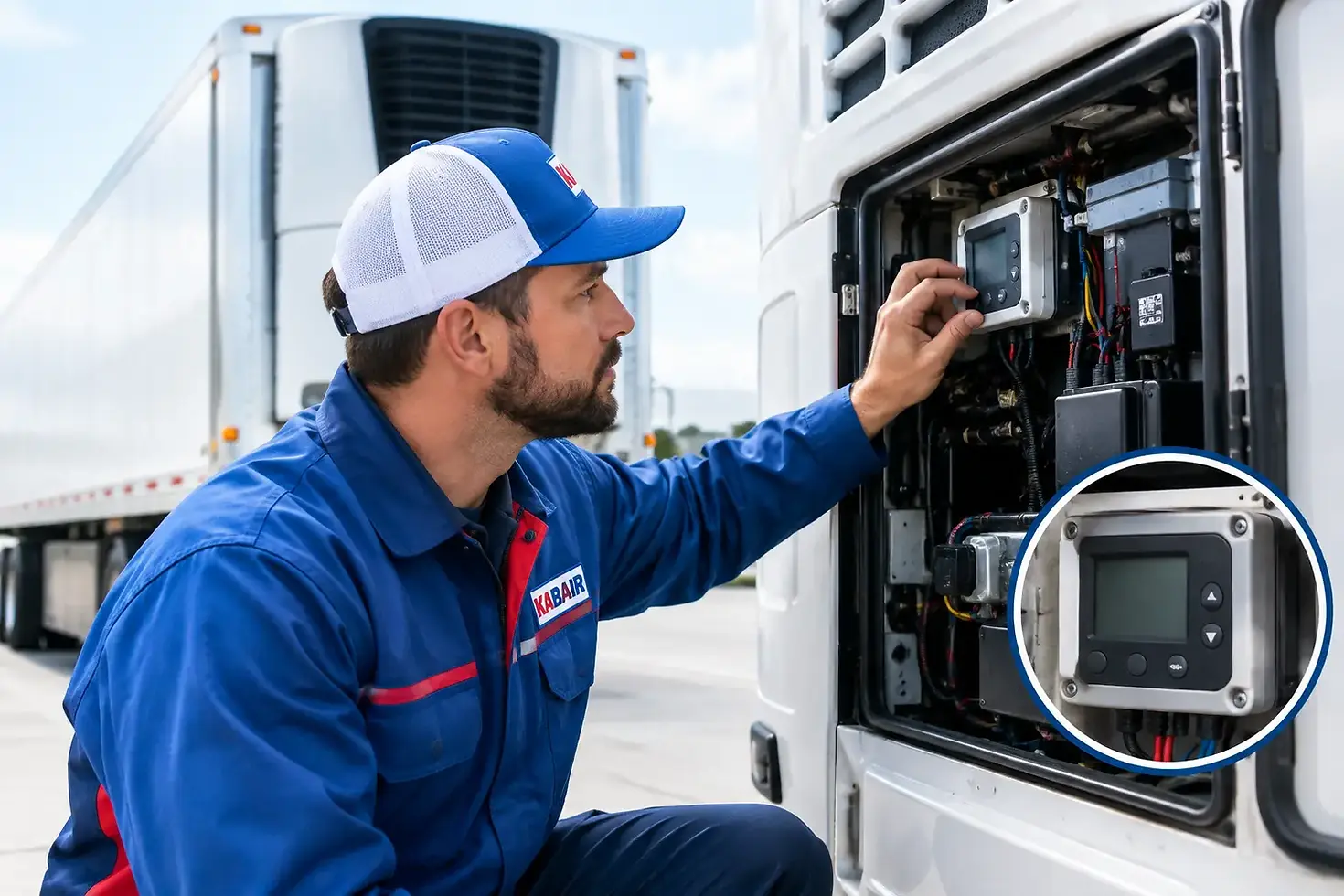
Reefer Thermostat Failure Causes and Checks

A reefer that runs too warm, freezes product, short-cycles, or never shuts down often gets labeled a “thermostat problem.” That diagnosis can be correct, but reefer thermostat failure causes are not limited to the control itself. Wiring, sensor location, airflow, power quality, contactors, and refrigeration-system faults can all create the same symptoms. Confirming the actual cause before ordering parts protects cargo and prevents a repeat service call.
What a reefer thermostat actually controls
In a transport refrigeration application, the thermostat or temperature controller compares the sensed box temperature with the setpoint and commands cooling, heating, or defrost functions according to the unit design. On older equipment, this may be a mechanical capillary thermostat. Many newer truck, trailer, van, and specialty refrigeration systems use an electronic controller with a thermistor or other temperature sensor.
The control is only one part of the temperature-management chain. It needs an accurate temperature signal, stable electrical power, intact wiring, and working compressor, fan, and relay circuits. A controller can call for cooling correctly while the box still warms because the compressor circuit or refrigeration system cannot respond. Conversely, a faulty sensor can report the wrong temperature and make a good controller appear defective.
Common reefer thermostat failure causes
Sensor damage, drift, or poor placement
A damaged temperature probe is one of the most common reasons for incorrect reefer operation. Sensor leads can chafe against panels, corrode at connectors, suffer water intrusion, or break internally from vibration. Electronic sensors may also drift out of specification over time, particularly in high-moisture or repeated freeze-thaw environments.
Probe placement matters as much as probe condition. A sensor mounted directly in an evaporator discharge path can read colder than the average box temperature. A probe exposed to warm infiltration air near a door can read high and keep the unit running longer than necessary. Before condemning a control, compare the displayed or sensed temperature with a calibrated reference thermometer placed in an appropriate product-area location. Follow the equipment manufacturer’s test method and allowable tolerance.
Mechanical thermostat capillary or bulb failure
Mechanical thermostats rely on a sensing bulb and capillary tube filled with a charge that responds to temperature. If the capillary is kinked, rubbed through, crushed, or separated from its mounting position, the thermostat may lose its ability to sense accurately. The contacts can also wear, stick, or become pitted after repeated cycling.
A capillary thermostat may fail open and prevent the cooling circuit from being commanded on. It can also fail closed, causing continuous cooling and possible freeze-up. These controls are application-specific. Bulb location, capillary length, mounting method, electrical rating, and temperature range must be verified before replacement.
Loose, corroded, or damaged wiring
Mobile refrigeration equipment is exposed to vibration, road spray, salt, heat, and frequent washdowns. A loose terminal at the controller, sensor, relay, ground point, or harness connector can create an intermittent thermostat symptom that is difficult to reproduce in the shop.
Look for green corrosion, overheated terminals, stretched harnesses, damaged insulation, poor splices, and connectors that do not lock firmly. Intermittent faults often appear while driving, after a washdown, or when the refrigeration unit reaches a certain vibration level. A wiring repair should use materials and sealing methods suitable for the equipment environment, not a temporary connection that will fail again under road use.
Voltage drop and unstable power supply
Low system voltage can cause an electronic controller to reset, display erratic readings, or fail to energize an output. On battery-powered or vehicle-connected systems, the issue may originate at the battery, fuse block, charging circuit, ground cable, disconnect, or main harness. AC-powered equipment can have separate concerns involving supply voltage, connections, and protective devices.
Do not assume the controller is defective because the display is blank or the compressor will not start. A qualified technician should verify supply voltage and ground integrity under operating load, not only with the system switched off. A weak connection may appear acceptable with no load and fail as soon as fans, relays, or compressor controls are energized.
Failed relay, contactor, or output circuit
The thermostat may send a correct cooling call, but the command still has to pass through relays, contactors, safety switches, and wiring to reach the load. Burned relay contacts, a failed coil, a loose terminal, or a damaged controller output can prevent compressor clutch engagement, fan operation, or electric compressor start.
This distinction matters when sourcing a replacement. Replacing the thermostat will not repair a failed relay. Likewise, installing a new relay will not solve a controller that is not providing a command. Technicians should determine whether the control is receiving the correct input and whether it is producing the correct output before selecting parts.
Moisture intrusion and corrosion
Condensation is normal around evaporator sections, but water inside a control enclosure or connector is not. Moisture can bridge low-voltage sensor circuits, corrode printed circuit boards, and create intermittent readings. Door openings, washdowns, damaged grommets, blocked drain paths, and missing enclosure seals can all contribute.
If moisture is found, replacing the failed component alone may not be enough. Locate the entry point, inspect drains and cable penetrations, and confirm that enclosure covers, seals, and connector boots are restored correctly. Otherwise, the replacement controller or sensor may be exposed to the same failure condition.
Airflow and evaporator problems that mimic thermostat failure
A reefer thermostat does not create cooling capacity. Restricted airflow across the evaporator, an iced coil, a failed evaporator fan, blocked return-air path, or heavily loaded product can make the box temperature slow to recover. The thermostat may remain calling for cooling because it is responding correctly to a real warm condition.
Likewise, a dirty condenser, condenser fan fault, refrigerant circuit issue, or compressor problem may prevent the unit from achieving setpoint. If the controller indicates a cooling demand and the compressor circuit is operating, shift the diagnosis toward airflow and refrigeration performance. Refrigerant pressure testing, leak diagnosis, and system charging must be handled by qualified HVAC/R personnel using the correct equipment and procedures.
A practical diagnostic sequence
Start with the operating complaint, not the part number. Determine whether the reefer is running warm, freezing cargo, cycling rapidly, displaying an alarm, or failing to run at all. Record the setpoint, displayed temperature, ambient conditions, door activity, and whether the fault is constant or intermittent.
Then compare the controller reading with a calibrated reference temperature. Inspect the sensor location and visible sensor lead condition. Check for ice accumulation, blocked airflow, damaged fans, loose connectors, blown fuses, and obvious harness damage before moving to component replacement.
For a controlled electrical diagnosis, a qualified technician can verify the following:
Supply voltage and ground quality at the controller during operation
Sensor resistance or signal values against the equipment manufacturer’s temperature chart
Controller input status and cooling-output command
Relay or contactor response and voltage at the commanded load
Continuity and condition of related harnesses, connectors, and protective devices
This sequence separates a bad temperature input from a failed controller, and a failed controller from a downstream power or load problem. It also reduces the risk of replacing a thermostat because it is easy to access while the actual fault remains elsewhere.
Choosing the correct replacement control
A replacement reefer thermostat must match more than its appearance. Confirm the equipment make and model, original part number where available, control type, voltage, terminal configuration, sensing method, temperature range, differential, mounting arrangement, and connector style. For electronic controls, verify sensor compatibility as well. A similar-looking thermistor may have a different resistance curve and produce inaccurate temperature control.
For mechanical controls, confirm the capillary length, bulb dimensions, switch action, electrical rating, and required setpoint range. Do not substitute a household or stationary refrigeration thermostat into a mobile application without verified suitability. Vehicle vibration, enclosure exposure, load requirements, and control logic can differ substantially.
KABAIR can help customers identify mobile HVAC/R and reefer replacement components when they provide the unit model, OEM number, clear photos of labels and connectors, and the observed operating symptom. Fitment and technical details should be confirmed before ordering, especially when equipment has been modified or carries a non-original control.
Preventing repeat thermostat problems
Most preventive work is basic but valuable: keep evaporator and condenser airflow clear, inspect sensor routing during routine service, protect harnesses from abrasion, maintain drain paths, and correct loose or corroded electrical connections early. Review temperature performance trends across fleet equipment. A unit that begins taking longer to pull down or develops intermittent alarms should be inspected before it becomes a cargo-loss event.
When a temperature-control part fails, treat the replacement as an opportunity to inspect the surrounding circuit and installation conditions. The right control, correctly matched and installed into a sound electrical and refrigeration system, gives the reefer its best chance of returning to dependable service.



Comments